Clients and Contacts
If your team supports several companies - say you are an agency, an MSP, or an outsourced support provider - Clients and Contacts let you organize everything by who you are helping. Tickets, contacts, and even knowledge can be scoped to a specific client.
If you support the end-users of a single product, you can skip this - your agent works fine without it.
You will find both in the sidebar's Reference group.
Clients
A client is a company you provide support for. Open Clients in the sidebar, then click Add Client and fill in:
- Company name and Contact email
- Tier - Standard, Premium, or Enterprise, so you can tell your key accounts apart
The client list also shows each client's status and any pending approvals.
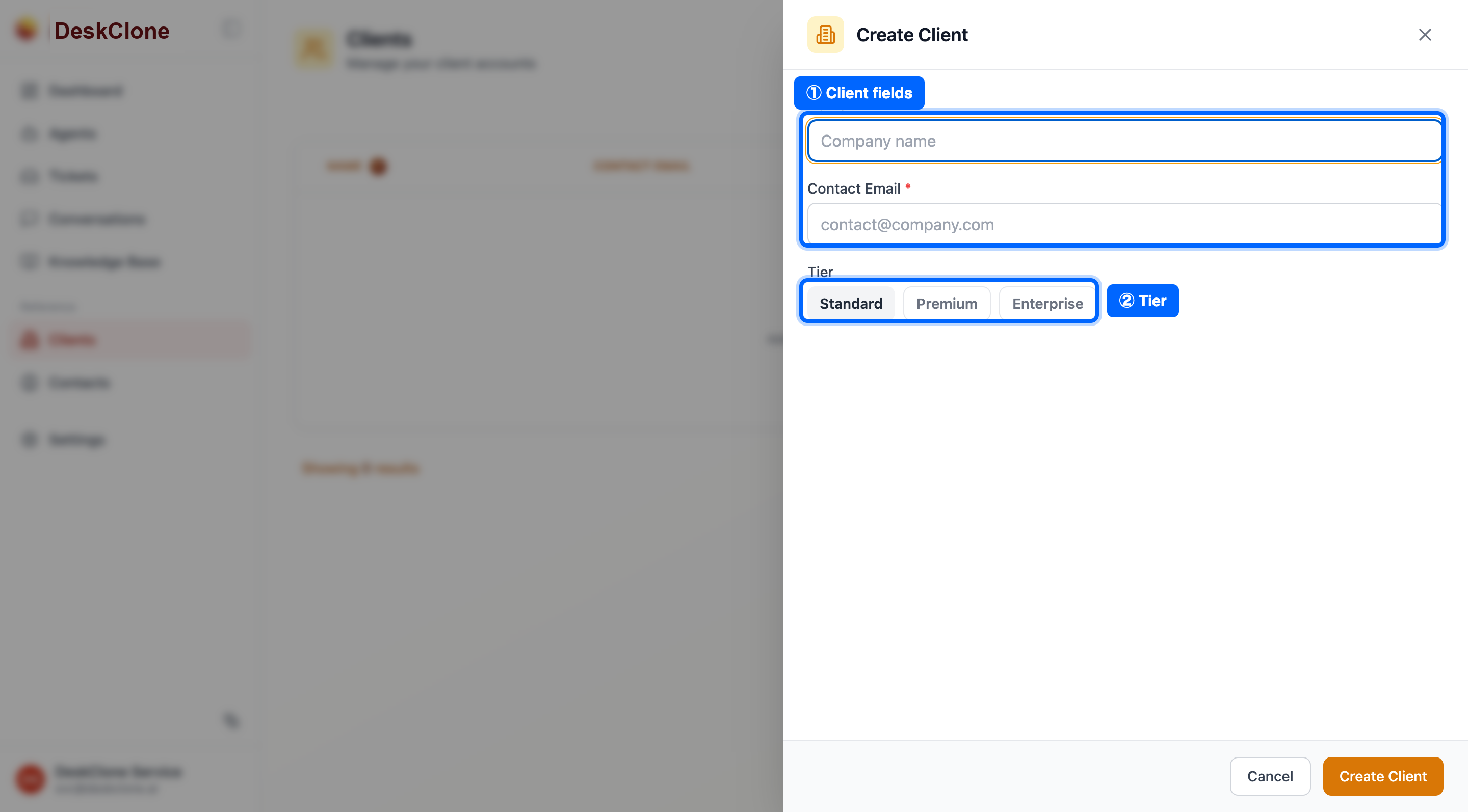
The Clients page with the Add Client form showing name, contact email, and tier fields
Once a client exists, tickets and contacts can be attached to it, and you can keep knowledge that is specific to that client (see file scoping in Knowledge Base).
Contacts
A contact is a person you talk to - usually someone who works at one of your clients. Open Contacts in the sidebar and click Add Contact, then enter their first and last name, email, and title.
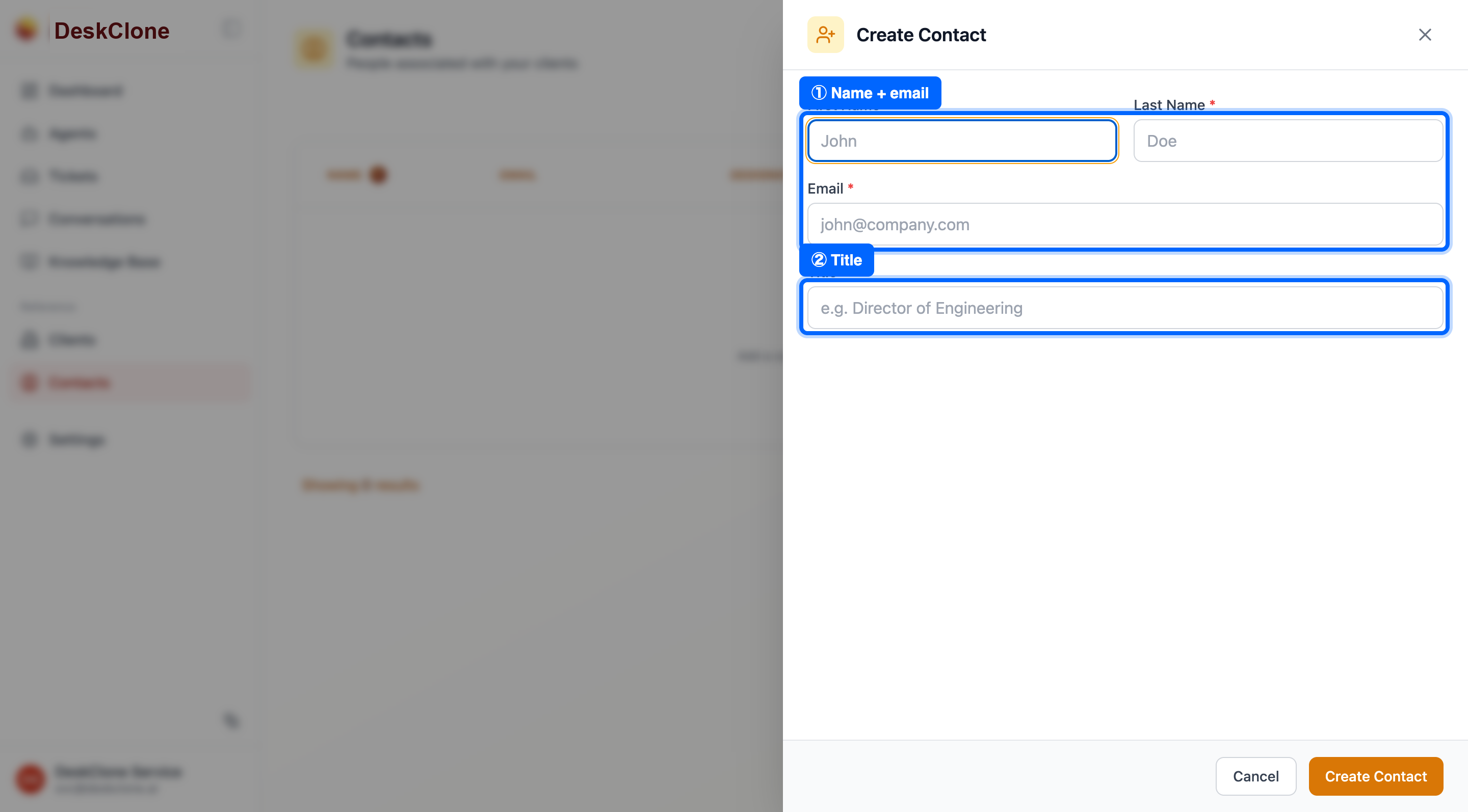
The Contacts page showing the contact list with client and ticket-history columns
Each contact is linked to a client and builds up a history of the tickets they have raised - so when someone gets in touch, your team can see which client they are from, their role, and what they have asked before.
Working by Client
Clients and contacts make a few things easier across DeskClone:
- Scoped knowledge - keep client-specific procedures in a per-client knowledge source so they never leak into another client's answers.
- Scoped assistant - in the team assistant, type
/scope ClientNameto focus its search on one client's content. - Tiers and history - see a client's tier and a contact's past tickets right where you are working, so you can prioritize and respond with context.
What's Next
To invite teammates and control who can see and do what, head to Team and Permissions.
Was this page helpful?